YouTube to OPUS Converter – Compact Audio, Clear Voices
Paste a YouTube link, choose OPUS from the format menu and press Download. You’ll save an .opus file that uses the same codec YouTube streams for much of its audio, which keeps quality high at very small file sizes. It suits long podcasts, lectures and audiobooks, and plays in Chrome, Firefox, Android, Windows and VLC. Free, with no sign-up.
- Free, no sign-up
- Works on phone and desktop
- Nothing to install
Why Convert YouTube Audio to OPUS
Tiny Files
Opus sounds good at lower bitrates than MP3 or AAC, so long recordings take far less space.
Excellent for Speech
Voices stay clear even in very small files, ideal for podcasts and lectures.
YouTube’s Own Codec
Many YouTube videos already stream audio as Opus, so the format suits the source.
Open Standard
Royalty-free and standardised by the IETF, with broad browser and Android support.
How to Convert YouTube to OPUS
Four steps and no settings to configure.
Copy the Video Link
Any single public video works, including Shorts and finished live streams.
Paste and Pick OPUS
Paste the link and choose OPUS near the bottom of the format menu.
Press Download
The card shows the thumbnail and fills its button as the Opus file is prepared.
Download the File
Click Download when it’s ready. Even long recordings download quickly.
Why Opus Handles Speech So Well
Opus combines two coding techniques, one tuned for the human voice and one for music, and switches between them as the audio demands. That design is why Discord, WhatsApp voice notes and countless video calls use it, and why a lecture or interview converted with this YouTube to OPUS converter stays intelligible at sizes where MP3 starts to sound watery.
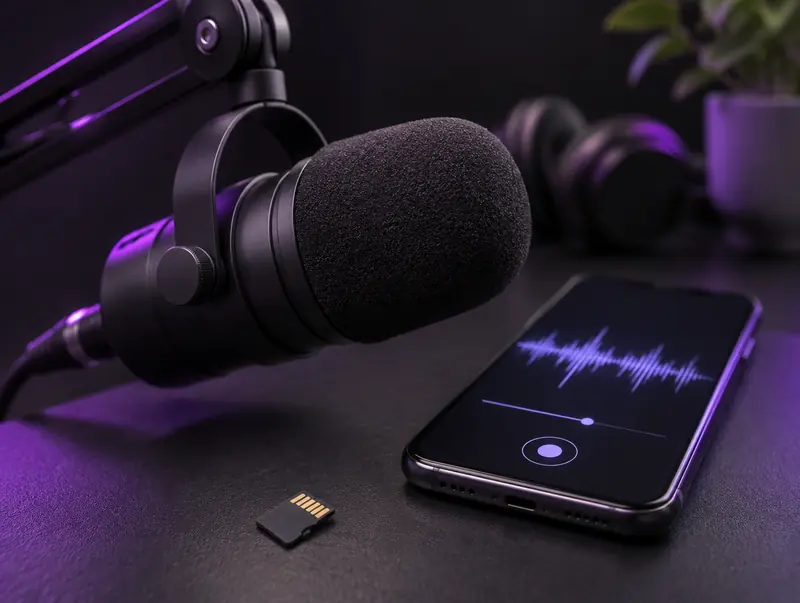
Hours of Podcasts in a Few Megabytes
File size scales with bitrate. At 64 kbps, which is plenty for speech in Opus, an hour of audio is around 29 MB. That means a full season of a YouTube-only podcast can fit on a phone that’s nearly out of space.
For music, Opus at around 128 kbps is considered transparent by most listeners, yet it still comes out smaller than a typical high-bitrate MP3.
Opus and YouTube
When you watch a video in a browser, YouTube frequently serves its audio as Opus inside a WebM file, at up to roughly 160 kbps. Converting to OPUS therefore keeps the audio in the same codec family it was streamed in, which is the most natural way to store YouTube audio compactly.
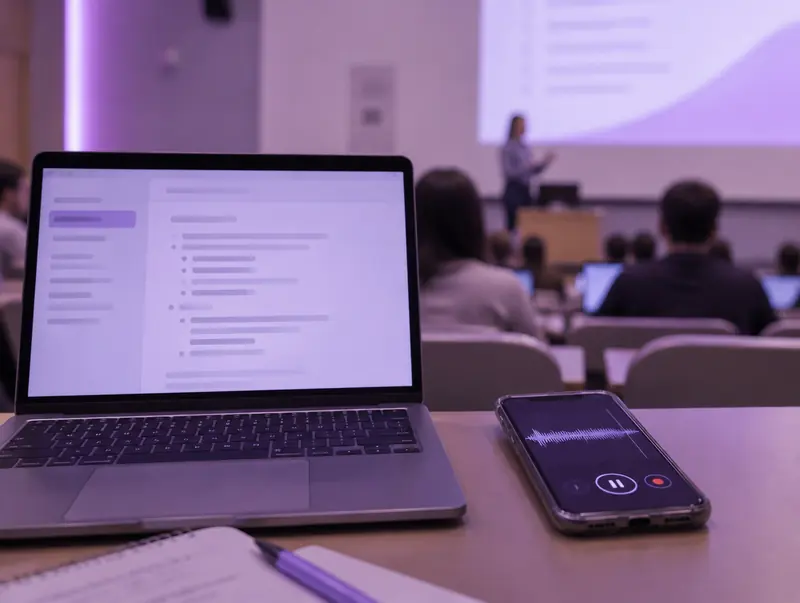
Saving Lectures and Talks for Study
Many universities, conferences and educators publish talks on YouTube. Saving the audio as Opus lets you replay a lecture on a walk or during a commute without carrying the video, and an hour-long talk takes less space than a handful of photos.
Speed up playback to review faster. VLC, Poweramp and most podcast apps support 1.25x to 2x playback, and voices stay natural at moderate speeds.
Playing .opus Files
Desktop
Chrome, Firefox and Edge play Opus directly. Windows 10 and 11 handle it in most cases, and VLC, foobar2000 and MusicBee all support it.
Android
Most modern Android phones play .opus natively, and apps like VLC and Poweramp handle it reliably.
iPhone and Car Stereos
Support in Apple’s apps and older car stereos is patchy. Use VLC on iPhone, or switch to M4A or MP3 for those devices.
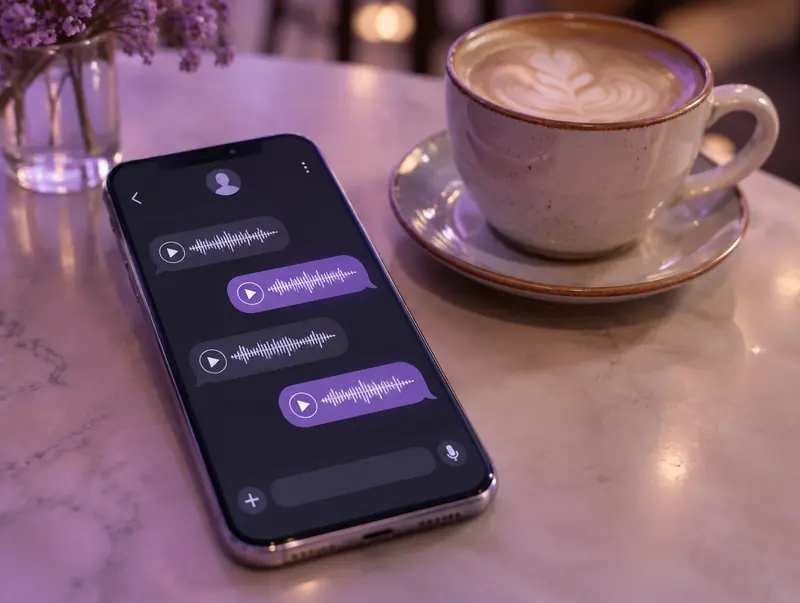
Opus in Apps You Already Use
You probably use Opus every day without knowing it. WhatsApp voice notes, Discord voice chat and browser-based video calls built on WebRTC all rely on it, because it stays clear even when the connection is poor.
That track record is why Opus suits spoken-word YouTube content so well: it was designed from the start to make voices sound natural at small sizes.
Choosing Opus Bitrates for Different Content
The converter picks a setting automatically, but if you re-encode files for a particular device, this table is a useful starting point.
| Opus bitrate | Good for | Per hour |
|---|---|---|
| 24 to 32 kbps | Mono speech: lectures, audiobooks, voice notes | about 11 to 14 MB |
| 64 kbps | Podcasts and interviews | about 29 MB |
| 96 kbps | Casual music listening | about 43 MB |
| 128 kbps | Music you care about | about 58 MB |
| 160 kbps | Close to YouTube’s own Opus stream | about 72 MB |
Organising a Large Opus Library
Opus files use the same tag format as Ogg Vorbis, so foobar2000, MusicBee, Mp3tag and Kid3 can all edit titles, artists and embedded artwork. Keep a consistent naming scheme and your library will sort properly in any player.
If you also use an iPhone, consider keeping M4A copies of the albums you play most, since Opus support in Apple’s own apps is still limited.
Converting OPUS When a Device Needs Another Format
Sometimes a car stereo or an older app simply won’t open Opus. Audacity, VLC and FFmpeg can all turn an .opus file into MP3 or M4A, and fre:ac can convert a whole folder in one go.
Because both formats are lossy, each conversion costs a little quality. If you already know a device needs MP3, it’s better to go straight to the MP3 converter and skip the extra step.
Is Opus a Safe Long-Term Format?
Opus is an open standard published by the IETF as RFC 6716, and it’s free of licensing fees. Every major browser, Android, Windows, Linux and popular players such as VLC already support it, so files you save today should keep playing for years.
The one weak spot is Apple’s built-in apps, where support is still patchy. That’s a convenience issue rather than a risk to your files, and free players fill the gap.
Checking What’s Inside an .opus File
Some YouTube downloaders hand you a .webm file and call it Opus. That file usually does contain Opus audio, but inside a WebM container that fewer music players understand. This converter gives you a standard .opus file instead, which players treat as a normal audio track.
To see exactly what you have, open the file in MediaInfo, or in VLC under Tools and then Codec Information. You’ll see the codec, bitrate, sample rate and duration, which is also a quick way to confirm the file matches the length of the video.
OPUS Compared With Other Formats
Opus gives the best quality per megabyte. For maximum compatibility choose MP3, for Apple devices go with M4A, and if your software requires Vorbis specifically, use the OGG Vorbis converter.
Respect creators: Only convert videos you own, have permission to use, or that are licensed for reuse, such as Creative Commons. Don’t redistribute or publish copyrighted content without the rights holder’s permission.
YouTube to OPUS FAQ
Is OPUS the smallest audio format here?
For a given level of quality, yes. Opus typically matches the sound of MP3 or AAC at noticeably lower bitrates, so files are smaller, especially for speech.
Does OPUS work on iPhone?
It depends on the app. Apple’s built-in apps can be inconsistent, but VLC plays .opus files reliably. If you mainly use an iPhone, M4A is less hassle.
Can I edit an OPUS file in Audacity?
Yes. Recent versions of Audacity can open and export Opus files directly, so you can trim a lecture or clean up an interview without converting first.
Is OPUS the same as OGG?
They are related. Both commonly use the Ogg container, but .opus files contain the newer Opus codec while .ogg files usually contain Vorbis.
Will an old MP3 player handle OPUS?
Almost certainly not. Older players and many car stereos predate Opus. Use the YouTube to MP3 converter for those devices.
Can I play OPUS files on Windows?
Yes. Windows 10 and 11 play Opus in most cases, and VLC, foobar2000 and MusicBee handle it reliably if the built-in player doesn’t recognise the file.
Why is my OPUS file so small?
Opus is extremely efficient, especially for speech. It keeps more audible detail than older codecs at the same bitrate, so a long lecture can be a few dozen megabytes while staying clear.
Can I convert OPUS to MP3 later?
Yes, with Audacity, VLC or FFmpeg. Expect a small extra loss because both formats are lossy, so if you already know you need MP3, convert straight to MP3 here instead.
Can I share the Opus files I convert?
Share only audio you have the right to pass on, such as your own recordings or content under a licence that allows it. Opus files are small enough to send through most messaging apps and cloud folders.