YouTube to M4A Converter – Save YouTube Audio as M4A
Paste the video link below, pick M4A in the format menu and press Download. In a few moments you can save the audio as an M4A file, the AAC-based format Apple uses across Apple Music and iTunes, which also plays on Android and Windows. It’s free, browser-based and a sensible default if you listen mainly on an iPhone.
- Free, no sign-up
- Works on phone and desktop
- Nothing to install
Why M4A Is a Smart Choice for YouTube Audio
Made for Apple Devices
M4A is the native music format of Apple Music, iTunes and iPhone.
Proper Tags and Artwork
The MPEG-4 container stores titles, artists and cover art reliably.
Clean Sound, Small Files
AAC audio inside M4A sounds clean at sizes similar to MP3.
Not Just for Apple
Android, Windows 10 and 11, and VLC all play M4A natively.
How to Convert YouTube to M4A
Four steps from YouTube link to a file ready for your music library.
Copy the Video Link
Use Share, then Copy link in the YouTube app, or copy it from your browser.
Paste and Choose M4A
Paste the link and choose M4A, the second option in the format menu.
Press Download
The card shows the thumbnail while the audio is packaged as AAC inside an M4A container.
Download the M4A
Click Download when the button is ready. In Safari on iPhone, the file is saved to the Files app.
Adding M4A Files to Apple Music
On a Mac, drag the M4A into the Music app or use File, Import. To get it onto an iPhone, connect the phone and sync through Finder, or turn on Sync Library if you subscribe to Apple Music or iTunes Match.
If you only need a file on your phone for a while, you can skip the library entirely: this YouTube to M4A converter saves to the Files app in Safari, and you can play it from there.
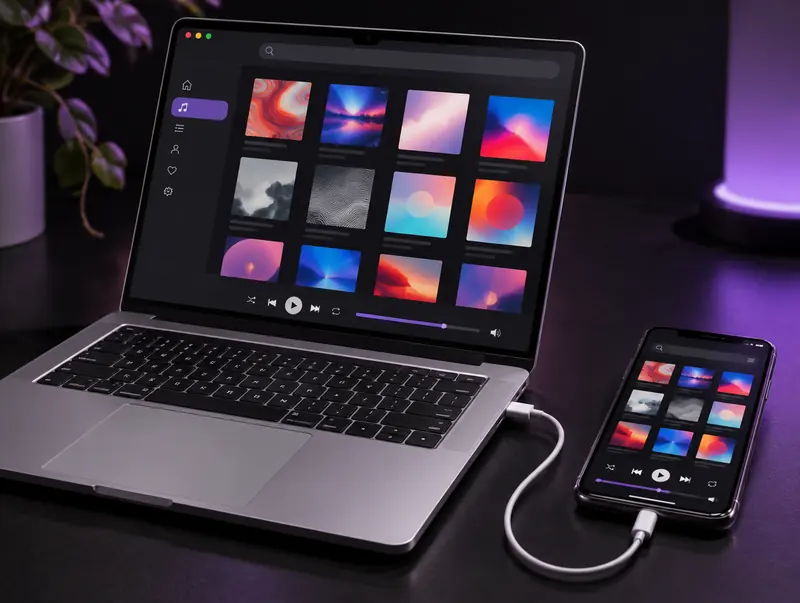
Building a Tidy Library on Mac and iPhone
Because M4A stores tags properly, it’s easy to keep a clean library. After importing, select the track in the Music app, choose Get Info and fill in the title, artist and album. Paste in artwork and it will show on your iPhone’s lock screen during playback.
Files you organise this way behave exactly like purchased tracks: they appear in playlists, sync to your devices and show up in search.
Making an iPhone Ringtone From an M4A
iPhone ringtones are short M4A-based files with the .m4r extension. The easiest route is GarageBand on the iPhone: import the M4A, trim it to around 30 seconds, then use Share and choose Ringtone. GarageBand handles the conversion and adds it to Settings, Sounds and Haptics.
Pick a section that sounds good from the very first second, such as a chorus or a strong instrumental hook. Ringtones always play from the start, so a slow intro means you’ll often miss the best part before you answer.
M4A, AAC and MP4: How They Relate
M4A is an MPEG-4 file that contains audio only, usually AAC. It belongs to the same family as MP4 video, which is why the formats feel so similar. A raw .aac file holds the same audio without the container, while an MP4 adds video.
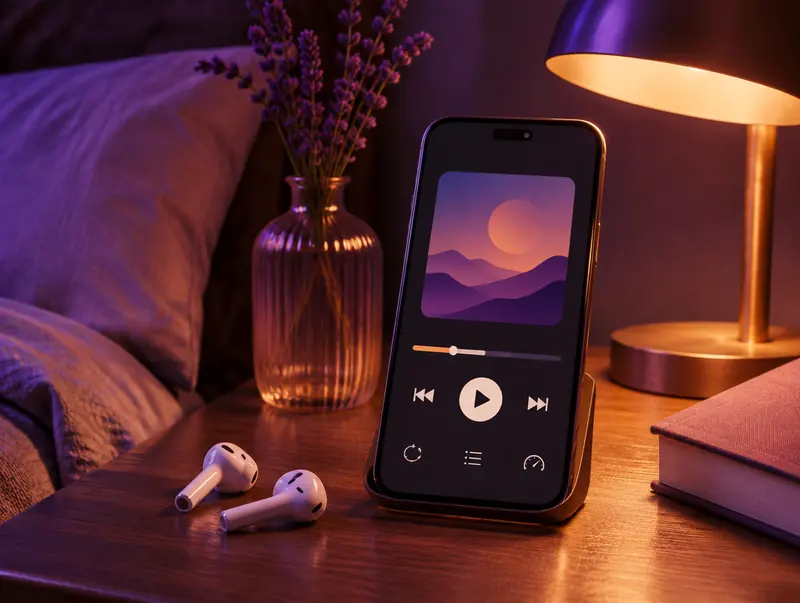
Audiobooks and Long Recordings in M4A
Long readings, lectures and full albums uploaded as single videos are a natural fit for M4A. The files stay compact, jump quickly to any point and keep their artwork, which makes them pleasant to browse on a phone.
If you listen in bed, set a sleep timer. On iPhone, the Clock app’s timer has a Stop Playing option, and most Android players include a sleep timer in their settings, so you won’t lose your place overnight.
M4A or M4B for Audiobooks?
M4B is the same MPEG-4 audio format as M4A, but the extension tells apps to treat the file as an audiobook. Apple Books and many audiobook players remember your position in M4B files and list them separately from music.
Because the two formats are identical inside, renaming a copy of a long M4A to .m4b usually works. Keep the original as a backup in case an app doesn’t accept the change.
Fixing Common M4A Playback Problems
The File Opens in the Wrong App
On Windows, right-click the file, choose Open with and pick your preferred player, then tick the option to always use it for M4A files.
The Song Shows No Title or Artwork
Add the details in the Music app with Get Info, or use a tag editor such as Mp3tag. M4A stores tags reliably, so they stay with the file once added.
An Older Player Skips the File
Some older MP3 players and car stereos predate M4A support. For those devices, convert the video to MP3 instead.
Sharing M4A Files With Friends and Family
M4A files are small enough to share easily. On Apple devices AirDrop is the quickest option, while cloud folders such as Google Drive or iCloud Drive work across every platform. Messaging apps can compress audio when you send it as a voice message, so attach it as a document if you want it to arrive unchanged.
Only share audio you have the right to pass on, such as your own recordings, family videos or content released under a licence that allows sharing.
Why Some Apps Show M4A Files as Video
Because M4A shares the MPEG-4 container with MP4 video, some file managers and older media players label it as a movie or open it in a video player. Nothing is wrong with the file: it contains audio only.
If it bothers you, set your favourite music player as the default app for .m4a files. On a Mac, select a file, open Get Info and use Change All under Open with.
M4A File Sizes for Songs and Audiobooks
M4A files are compact, which is why they work so well for long listening. These figures show typical AAC bitrates. The converter chooses its own setting, so your file will fall somewhere in this range.
| AAC bitrate | Per minute | 4-minute song | 10-hour audiobook |
|---|---|---|---|
| 96 kbps | about 0.7 MB | about 2.9 MB | about 430 MB |
| 128 kbps | about 1 MB | about 3.8 MB | about 576 MB |
| 192 kbps | about 1.4 MB | about 5.8 MB | about 864 MB |
| 256 kbps | about 1.9 MB | about 7.7 MB | about 1.15 GB |
What to Do When an M4A Conversion Fails
Most problems come from the video, not the converter. Private, members-only, age-restricted and region-blocked videos can’t be fetched, and live streams only work once they’ve ended. If the link opens without any warning in a private browser window, it should convert.
If the progress bar freezes, refresh the page and paste the link again. When the download opens a player instead of saving, long-press the button on a phone, or use the three-dot menu in the player on a computer, and choose Download.
When to Choose Another Format
For older car stereos and non-Apple MP3 players, an MP3 download is more widely supported. For the smallest possible files, especially speech, choose OPUS. For editing, use lossless WAV.
Respect creators: Only convert videos you own, have permission to use, or that are licensed for reuse, such as Creative Commons. Don’t redistribute or publish copyrighted content without the rights holder’s permission.
YouTube to M4A FAQ
Is M4A better than MP3?
At the same file size, M4A usually sounds a little cleaner and handles tags better. MP3’s advantage is compatibility with very old players and car stereos.
Can I just rename the .m4a to .m4r for a ringtone?
It can work if the clip is under 40 seconds, but you still need to add it through Finder. Trimming and exporting with GarageBand on the iPhone is simpler.
Will M4A files play on Android?
Yes. Android’s built-in players and apps such as VLC and Poweramp play M4A natively, so it isn’t an Apple-only format despite its reputation.
Why is it M4A and not MP4?
Both use the MPEG-4 container. The .m4a extension signals that the file holds audio only, so music apps treat it as a song rather than a video.
Can Windows Media Player play M4A?
Yes. Windows 10 and 11 play M4A in the Media Player app and in classic Windows Media Player without any extra codecs.
Where do I find the M4A after downloading on iPhone?
Open the Files app and check the Downloads folder. From there you can play it directly, share it to GarageBand, or AirDrop it to a Mac to add it to the Music app.
Is M4A a lossless format?
Usually not. M4A files from this converter contain AAC, which is lossy. The M4A container can also hold ALAC, Apple’s lossless codec, but YouTube’s source audio is lossy anyway.
Will M4A files play in my car?
Many cars from the last decade play M4A or AAC from USB, and through CarPlay or Android Auto. Older stereos may only accept MP3, so keep an MP3 copy for those.
Is converting YouTube to M4A allowed for personal use?
It depends on the content and where you live. Your own uploads, public-domain audio and Creative Commons tracks are generally fine. For copyrighted music, YouTube’s terms restrict downloading, so get the owner’s permission first.