YouTube to AAC Converter – Extract YouTube Audio as AAC
Paste a YouTube link, choose AAC from the format menu and press Download to save the soundtrack as an .aac file. AAC is the codec YouTube uses for much of its own audio, so it’s a natural match: compact, clean-sounding and supported by nearly every modern phone, computer and car stereo. The converter is free and needs no account.
- Free, no sign-up
- Works on phone and desktop
- Nothing to install
What the YouTube to AAC Converter Offers
Same Codec Family as YouTube
Much of YouTube’s audio is AAC already, so the format suits the source well.
Cleaner Than MP3 at the Same Size
AAC generally preserves high frequencies better than MP3 at equal bitrates.
Simple to Reuse in Video
Raw AAC is the audio format inside most MP4 files, which makes it easy to remux.
Thumbnail and Progress
Each conversion shows the video it came from and a live progress bar, so you always know what you are saving.
How to Convert YouTube to AAC
It takes four steps, and there’s nothing to configure.
Copy the Link
Grab the URL of a single video from YouTube or the YouTube app.
Paste and Pick AAC
Paste the link and select AAC in the format menu next to the field.
Press Download
The card confirms the video and shows progress while a raw AAC stream is prepared.
Download the File
Click Download once the button is ready to save the .aac file.
Raw .aac vs .m4a: Same Sound, Different Wrapper
This YouTube to AAC converter saves a raw AAC stream, often called ADTS. It’s the bare audio with almost no extra structure, which is exactly what some broadcast tools, streaming encoders and video workflows want.
An M4A file contains the same AAC audio inside an MPEG-4 container, which adds reliable tags, cover art and precise seeking. If the file is going into a music library, M4A is friendlier; if it’s going into a technical workflow, raw AAC is often simpler.
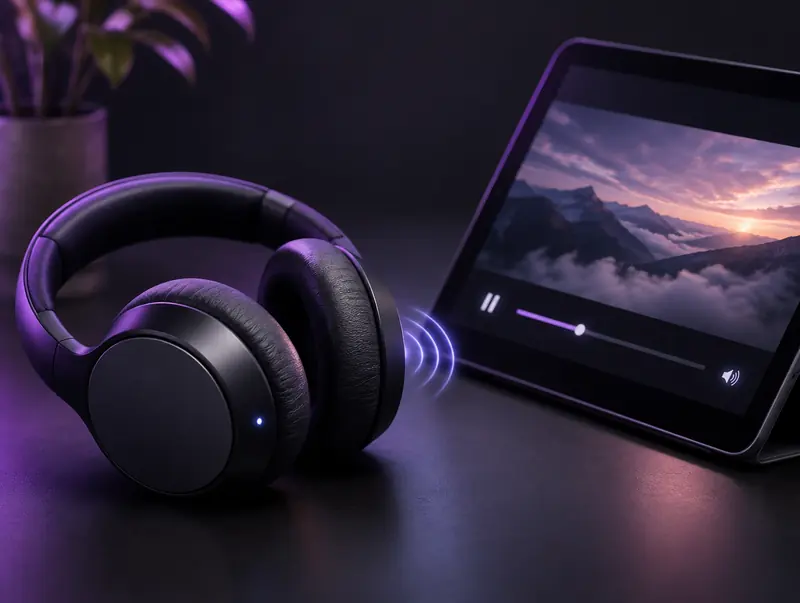
AAC and Bluetooth Headphones
You’ll often see AAC mentioned in Bluetooth specs, because many headphones and iPhones use AAC to send sound over the air. That’s a separate step from the file format: your phone re-encodes whatever you play, whether it’s MP3, FLAC or AAC, for the wireless link.
So an AAC file won’t magically bypass Bluetooth compression. What it gives you is a compact file that sounds clean, which is ideal when storage on a phone or tablet is limited.
Where Raw AAC Files Are Useful
Video Editing and Remuxing
Tools like FFmpeg can place an AAC stream into an MP4 or MOV without re-encoding, which avoids any further quality loss.
Streaming and Broadcast
Some encoders, playout systems and radio automation software accept raw AAC streams directly.
Phones and Car Stereos
Most modern phones and many car head units play .aac files, although some music apps prefer M4A for their libraries.
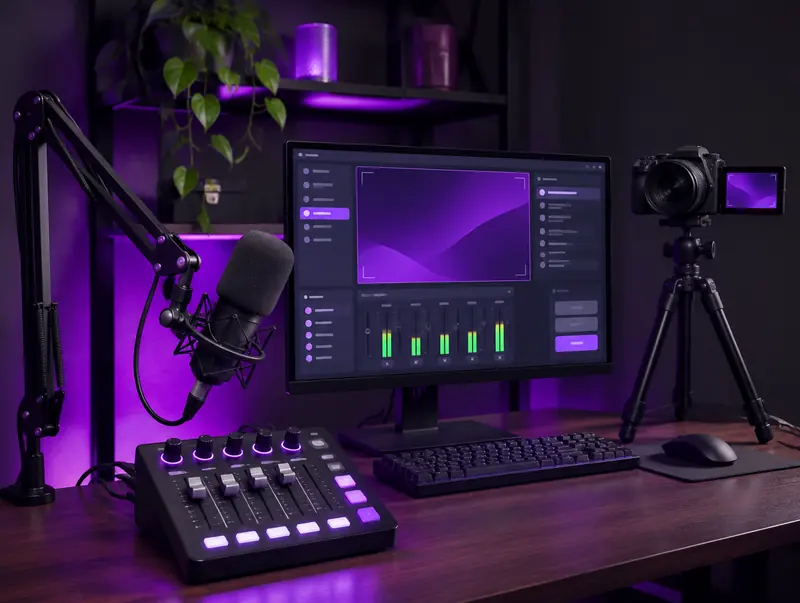
AAC for Streaming and Video Work
AAC is the standard audio codec for video. OBS records and streams with AAC by default, and YouTube itself recommends AAC-LC audio for uploads. That makes a raw AAC file convenient when you’re rebuilding a video, replacing a soundtrack or preparing assets for a stream.
Because the audio is already in the format video tools expect, you can often drop it into a project or mux it into an MP4 without any further conversion.
AAC-LC, HE-AAC and Why Profiles Matter
AAC comes in several profiles. AAC-LC, short for Low Complexity, is the everyday version used for music and video, and it plays on nearly everything. The HE-AAC profiles add techniques that keep low-bitrate streams, such as online radio, sounding decent.
For files you plan to keep and play on many devices, AAC-LC is the safest profile. Some older players and car stereos only understand AAC-LC, so if a file refuses to play, check its profile in a free tool such as MediaInfo.
| Profile | Typical bitrate | Best for | Compatibility |
|---|---|---|---|
| AAC-LC | 96 to 320 kbps | Music and video soundtracks | Almost every device |
| HE-AAC (v1) | 48 to 96 kbps | Online radio and streaming | Most modern phones and players |
| HE-AAC v2 | 24 to 48 kbps | Low-bitrate stereo speech | Modern devices, patchy on old hardware |
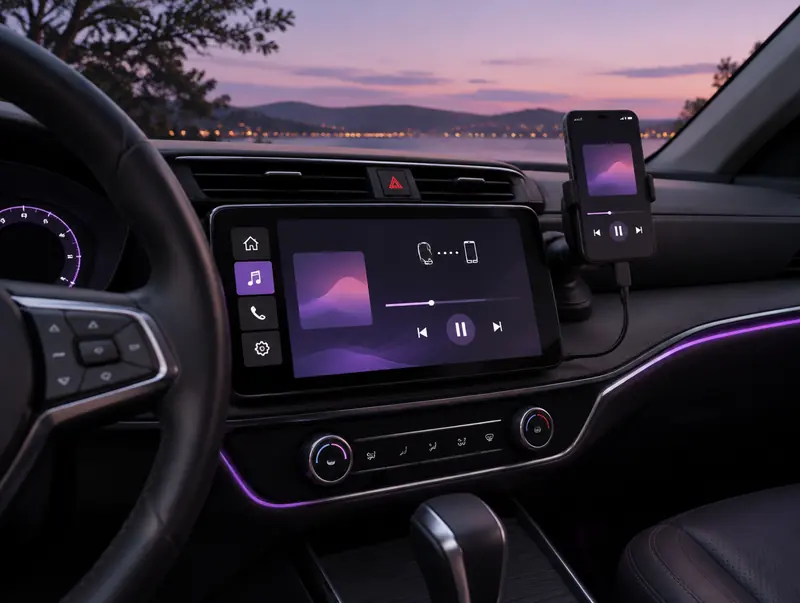
Playing AAC in the Car
If your car supports CarPlay or Android Auto, your phone handles playback, so any AAC file your phone can play will work. For USB playback, check the stereo’s manual: many head units from the last decade list AAC or M4A, but some only read MP3.
When a car skips your .aac files, try the same audio as M4A first, since some stereos read the container but not raw streams. If that fails too, MP3 is the reliable fallback.
Turning a .aac File Into an M4A or MP4
Raw AAC can be wrapped in an MPEG-4 container without re-encoding, which keeps the quality identical. With FFmpeg, a single stream-copy command writes the audio into a new .m4a file, and the Convert and Save option in VLC can do a similar job if you prefer a graphical tool.
If all you want is an Apple-friendly file, it’s simpler to use the M4A converter from the start and skip the extra step.
Checking an AAC File Before You Use It
Before you drop a file into a project or copy it to a device, it’s worth confirming what’s inside. MediaInfo, a free tool for Windows, Mac and Linux, shows the AAC profile, bitrate, sample rate and number of channels in one window. VLC offers similar details under Tools and then Codec Information.
Those few seconds can save a frustrating troubleshooting session later, for example when a car stereo refuses HE-AAC or an editor expects 48 kHz audio and needs to resample.
Downloading AAC on iPhone and Android
The converter works the same in mobile browsers. On iPhone, use Safari and tap Download when the button is ready; the .aac file goes to the Files app under Downloads. On Android, Chrome saves it in your Downloads folder.
Raw .aac files play in the Files app, VLC and most Android players, but music libraries are pickier. If you want the track in Apple Music or a car’s media browser, the M4A version usually behaves better.
Choosing Between AAC and Other Formats
For an organised music library on iPhone or Mac, convert YouTube to M4A instead. For older devices that predate AAC support, plain MP3 files are safer. For the smallest files with excellent speech quality, try Opus audio.
Respect creators: Only convert videos you own, have permission to use, or that are licensed for reuse, such as Creative Commons. Don’t redistribute or publish copyrighted content without the rights holder’s permission.
YouTube to AAC FAQ
Why doesn’t my .aac file show up in Apple Music?
The Music app prefers AAC inside an M4A container. Raw .aac files can be played from the Files app or VLC, or use the YouTube to M4A converter instead.
Is AAC better than MP3 at the same file size?
Generally yes. AAC was designed as the successor to MP3 and tends to sound cleaner at equal bitrates, particularly in cymbals, strings and other high-frequency detail.
Can I put the AAC back into a video file?
Yes. A tool such as FFmpeg can mux an AAC stream into an MP4 using stream copy, so the audio is inserted without being re-encoded.
Does a raw AAC file support cover art?
Not reliably. Raw AAC streams have almost no room for metadata. If you want titles and artwork, the same audio in an M4A file supports them properly.
Will my car stereo play .aac files?
Many head units from the last decade do, but support varies. Check the formats listed in the manual, and fall back to MP3 if your stereo skips the file.
Can I rename a .aac file to .m4a?
Not reliably. Renaming changes only the extension, not the container, so many players will reject the file. Use the YouTube to M4A converter, or remux the stream with a tool such as FFmpeg.
Does AAC play on Windows?
Yes. Windows 10 and 11 play AAC in the Media Player app, and VLC handles it on every platform. Some older Windows Media Player versions cope better with the same audio as M4A.
What bitrate is the AAC file?
The converter chooses the encoding settings automatically. YouTube’s own AAC audio is typically around 128 kbps, so a much higher setting wouldn’t add detail you could actually hear.
Am I allowed to extract AAC audio from any YouTube video?
Only from videos you own, public-domain material, Creative Commons content or videos you have permission to use. Being able to watch a video doesn’t give you the right to download it, and YouTube’s terms restrict downloading.