YouTube to OGG Converter – Download Audio as OGG Vorbis
Paste a YouTube link below, pick OGG in the format menu and press Download. When it finishes, save an OGG audio file that game engines like Godot and Unity, Linux media players and most web browsers handle natively. OGG Vorbis is open and royalty-free, which is why developers and open-source projects reach for it first.
- Free, no sign-up
- Works on phone and desktop
- Nothing to install
Why Developers Convert YouTube to OGG
Game-Engine Friendly
Godot, Unity and GameMaker all import Ogg Vorbis audio directly.
Open and Royalty-Free
No licensing fees, which matters when you ship software to other people.
Web-Ready
Chrome, Firefox and Edge play OGG natively in an HTML audio element.
Convert From Any Device
The converter runs in the browser, including on Linux and Android.
How to Convert YouTube to OGG
From link to OGG file in four steps.
Copy the Video Link
Pick the specific video, not the channel or a search page.
Paste It and Select OGG
Paste the link and switch the format menu from MP4 (720p) to OGG.
Press Download
A card with the video thumbnail appears while the audio is encoded as Ogg Vorbis.
Save the .ogg File
Click Download when it’s ready and move the file into your project or music folder.
OGG, Vorbis and Opus: Clearing Up the Names
OGG is a container format from the Xiph.Org Foundation, and Vorbis is the audio codec most often stored inside it. When people say an OGG file, they almost always mean Ogg Vorbis, which is what this YouTube to OGG converter produces.
Opus, a newer codec from the same family, also lives in an Ogg container but uses the .opus extension. If your software accepts Opus, the YouTube Opus converter gives slightly smaller files; if it specifically asks for .ogg, stay here.
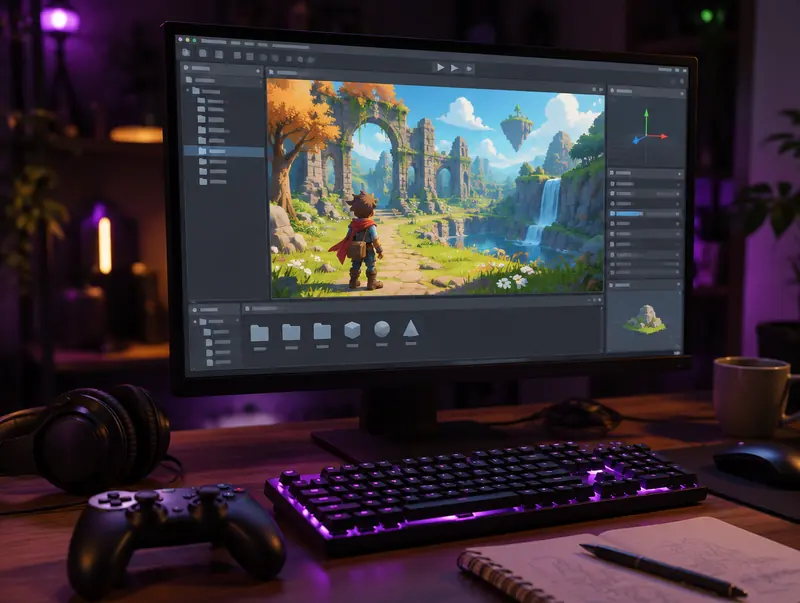
From YouTube Link to Game Engine
Godot imports OGG files as streamable audio with a built-in loop option, which makes it a natural fit for background music. Unity accepts OGG directly and compresses it to Vorbis internally, and GameMaker and RPG Maker support it too.
Rights matter more here than anywhere else, because games get distributed. Only ship audio you made, licensed or have written permission to use. For free music, YouTube Studio’s Audio Library offers licensed tracks you can download directly.
Cutting a Loop or Sound Effect
The converter saves the full audio of the video. To grab a short loop or effect, open the OGG in Audacity, select the part you need, use Zero Crossings to avoid clicks at the loop point, and export the selection as OGG Vorbis again.
Gapless Loops: Why OGG Beats MP3 for Games
MP3 files usually include a tiny gap of silence at the start and end, added by the encoder. In a song you’ll never notice it, but in a looping background track it causes an audible hiccup every time the loop restarts. Ogg Vorbis doesn’t have that problem, which is one reason game engines favour it for music and ambience.
To get a seamless loop, trim the file so the end flows naturally into the start, then enable looping in your engine’s import settings. Godot and Unity both let you loop OGG files without extra tools.
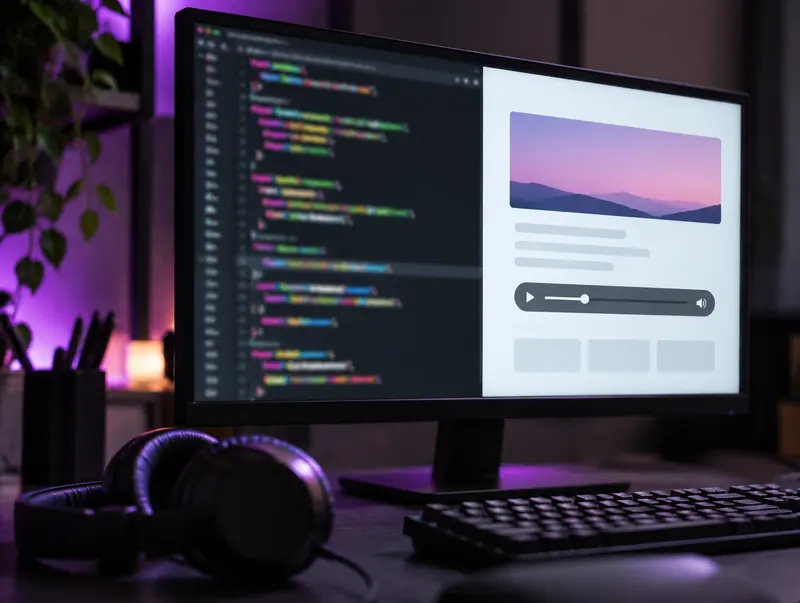
Adding OGG Audio to a Website
The HTML audio element plays OGG in Chrome, Firefox and Edge. For the widest support, list an OGG source first and an MP3 source as a fallback, so browsers that can’t play Vorbis simply pick the second file.
For background or ambient sound, set the preload attribute to none so the file only downloads when someone presses play. Your page stays fast, and visitors on mobile data won’t burn through their allowance.
Where OGG Plays and Where It Struggles
Plays Natively
Android, Linux, Chrome, Firefox and Edge, plus Windows 10 and 11 in most cases. VLC plays it on every platform.
Needs a Workaround
Apple’s built-in apps have historically offered limited OGG support. On iPhone and Mac, VLC is the dependable option.
Older Hardware
Many car stereos and portable players don’t support OGG. For those, YouTube to MP3 is the safer choice.
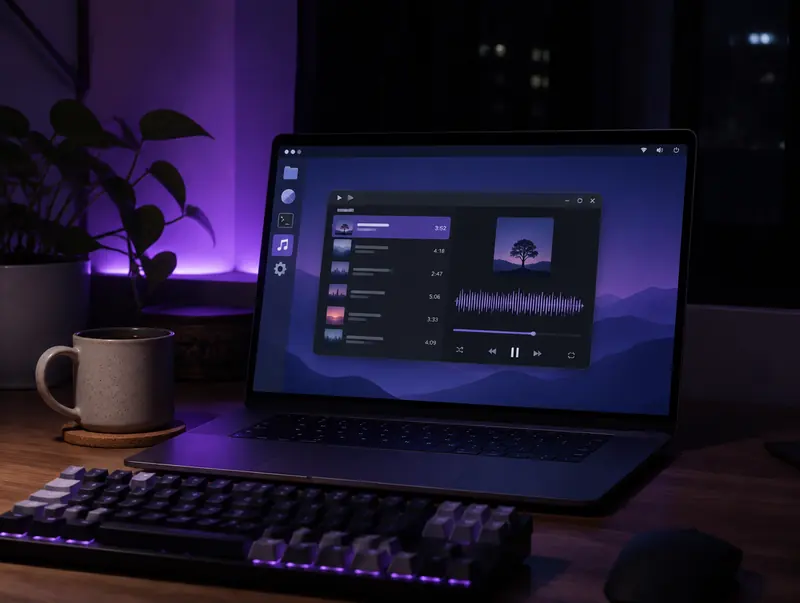
OGG on Linux Desktops
Linux distributions have supported Ogg Vorbis for decades, so the files open in Rhythmbox, Audacious, Strawberry, Elisa, VLC and mpv without installing anything extra.
If you keep a music library on Linux, OGG is a comfortable choice: it’s open, well supported by tagging tools such as EasyTAG and Kid3, and a little smaller than MP3 at similar quality.
Picking an OGG Quality Level
Vorbis encoders use a quality scale rather than a fixed bitrate, typically from -1 to 10. The converter chooses a sensible level for you, and the table below shows roughly what each level means.
If a game or app needs smaller files, open the OGG in Audacity and export it again at a lower quality setting. Lower settings suit ambience and sound effects, while music usually deserves quality 5 or above.
| Vorbis quality | Approx. bitrate | Per minute | Typical use |
|---|---|---|---|
| q2 | about 96 kbps | about 0.7 MB | Ambience, voice clips |
| q4 | about 128 kbps | about 1 MB | Sound effects, background music |
| q6 | about 192 kbps | about 1.4 MB | Game soundtracks |
| q8 | about 256 kbps | about 1.9 MB | Music where quality matters |
Preparing OGG Files for Game Audio
A converted OGG is a starting point. A few quick adjustments in Audacity make it behave much better once it’s inside a game.
Use Mono for Positional Sounds
Engines can only place a sound in 3D space properly when it’s mono. Keep stereo for music and menu ambience, and convert footsteps, impacts and voices to mono.
Even Out the Levels
Clips taken from different videos rarely match in loudness. Normalising each file to a similar peak level saves you from constantly tweaking volume sliders inside the engine.
Name Files So Your Team Can Find Them
A pattern such as sfx_door_open_01.ogg or music_forest_loop.ogg keeps large asset folders searchable and makes it obvious what each file does.
If Your OGG Conversion Stalls or Fails
Watch the progress bar: most videos finish within a minute or two. If it stops moving, refresh the page, paste the link again and retry. If you get an error immediately, check that the video is public, because members-only, age-restricted, region-blocked and still-live videos can’t be converted.
On a phone, OGG downloads save like any other file, but iPhone users will need VLC or a similar app to play them, since Apple’s built-in apps don’t open Vorbis reliably.
OGG or Another Format?
Choose OGG for games, web projects and open-source software. For broad device compatibility pick MP3, for the best quality per megabyte pick OPUS, and for editing pick uncompressed WAV.
Respect creators: Only convert videos you own, have permission to use, or that are licensed for reuse, such as Creative Commons. Don’t redistribute or publish copyrighted content without the rights holder’s permission.
YouTube to OGG FAQ
Is OGG the same as Vorbis?
Not exactly. OGG is the container and Vorbis is the codec inside it. Files from this converter are Ogg Vorbis, the combination most software expects from a .ogg file.
Can I import the OGG file into Unity or Godot?
Yes. Both engines import Ogg Vorbis directly, and Godot lets you enable looping in the import settings, which is handy for background music.
Why won’t my OGG file play on iPhone?
Apple’s own apps have limited OGG support. Install VLC, which plays OGG on iPhone and iPad, or convert to M4A if you need it to work in Apple’s apps.
Is OGG smaller than MP3?
At similar sound quality, Ogg Vorbis files are usually a little smaller than MP3, though the difference is modest. Opus saves more space, especially for speech.
Can I use music from YouTube in my game?
Only with the rights holder’s permission or a licence that allows it. A file converted from YouTube is not automatically free to use, so check before you ship.
Does OGG play in web browsers?
Chrome, Firefox and Edge play Ogg Vorbis in a standard HTML audio element. Safari support has historically been limited, so websites often offer an MP3 or M4A fallback alongside the OGG file.
Can I play OGG files on Android?
Yes. Android supports Ogg Vorbis natively, so the file plays in most built-in music players as well as apps like VLC and Poweramp, straight from your Downloads folder.
Is OGG lossy or lossless?
Ogg Vorbis is lossy, like MP3 and AAC. The Ogg container can also hold FLAC, but that’s rare. For lossless audio from YouTube, use the FLAC or WAV converter instead.
Can I convert YouTube to OGG on my phone?
Yes. The converter runs in Safari, Chrome and other mobile browsers, and the file saves to Files on iPhone or Downloads on Android. Android plays OGG natively; on iPhone, open it in VLC.