YouTube to FLAC Converter – Lossless Copies of YouTube Audio
Paste a YouTube link into the box, choose FLAC from the format menu and press Download to save the video’s audio as a FLAC file. FLAC is lossless, so nothing further is thrown away, yet it typically takes around half the space of WAV. It’s free, runs in your browser, and suits anyone building a music archive that may be converted to other formats later.
- Free, no sign-up
- Works on phone and desktop
- Nothing to install
Why Save YouTube Audio as FLAC
Lossless From Here On
Decode a FLAC and you get back exactly the samples that went in, no matter how many times you copy it.
About Half the Size of WAV
The same audio as an uncompressed file, packed into much less disk space.
Room for Tags and Artwork
FLAC stores titles, artists and cover art reliably, which keeps large libraries organised.
Wide Native Support
Plays out of the box on Windows 10 and 11, Android and Linux, and in VLC everywhere.
How to Convert YouTube to FLAC
No settings or codecs to choose, just four steps.
Copy the YouTube Link
Any single video works, including Shorts and youtu.be links.
Paste and Choose FLAC
Drop the link into the field and pick FLAC in the format menu, which starts on MP4 (720p).
Press Download
The card shows the thumbnail while the best available audio stream is encoded to FLAC.
Download and File It Away
Click Download when the button is ready and move the FLAC into your music library or archive folder.
What Lossless Means for YouTube Audio
Lossless describes the FLAC file, not the source. YouTube streams compressed audio, typically AAC at around 128 kbps or Opus at up to roughly 160 kbps, so a FLAC made from it is a perfect copy of that stream, not of the original studio recording.
If you open one of these files in a spectrum analyser such as Spek, you’ll see the high-frequency cutoff typical of lossy audio. That’s expected and not a fault. The point of this YouTube to FLAC converter is that no further loss happens, now or in any conversion you make later.
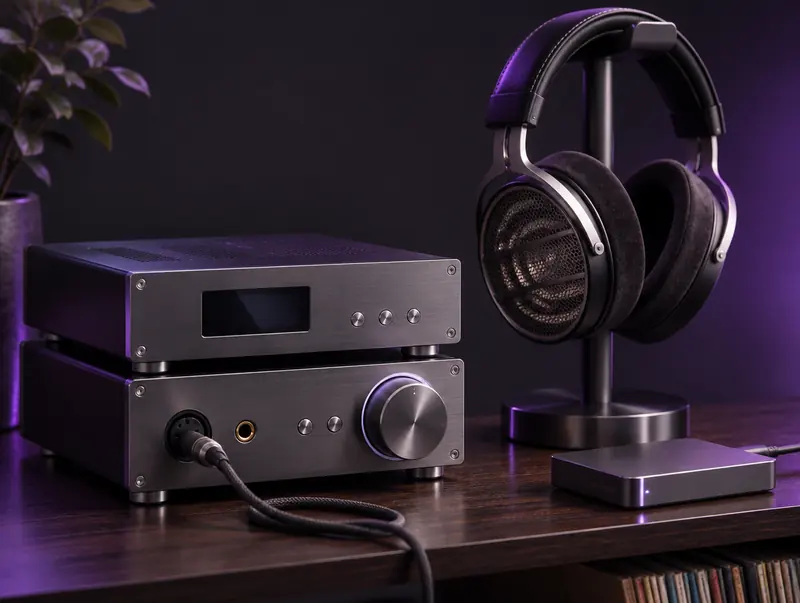
FLAC in a Hi-Fi Listening Setup
FLAC is the native language of most enthusiast playback software. foobar2000 and MusicBee on Windows, Poweramp and USB Audio Player Pro on Android, and media servers like Plex, Jellyfin and Navidrome all handle it without plugins.
Sending FLAC to a DAC doesn’t make YouTube audio sound better than it is, but it keeps your library in one consistent format alongside the CD rips and lossless downloads you already own.
When FLAC Is the Right Choice
Building an Archive
If you might need MP3, AAC or Opus versions later, FLAC is a lossless master you can convert from as many times as you like.
Keeping a Library Consistent
Collectors who store everything as FLAC can add YouTube-only material such as live sessions and rare uploads without mixing formats.
When It Isn’t Worth It
For casual listening on a phone, FLAC mostly costs storage. MP3 or OPUS will sound the same to most ears at a fraction of the size.
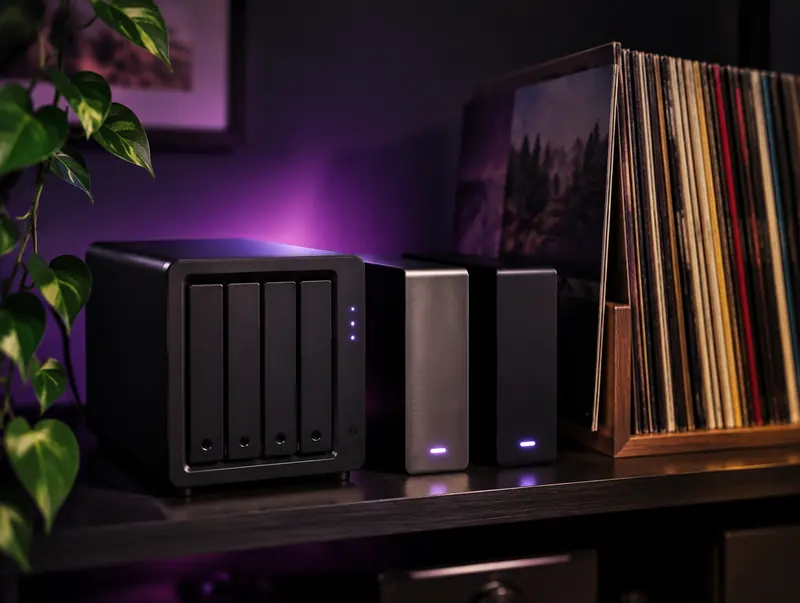
Building a FLAC Archive That Lasts
A FLAC archive is only as safe as the drive it lives on. A common approach is to keep the music on your computer, a second copy on an external drive and a third somewhere off-site, such as cloud storage. Folders arranged as Artist, then Album, stay easy to browse years from now.
FLAC also helps you spot damage. Every file stores a fingerprint of its audio, so tools such as the official flac utility or foobar2000 can verify that nothing was corrupted when you copied files between drives.
Playing FLAC on Mac and iPhone
Recent versions of macOS and iOS can play FLAC in the Files app and Finder Quick Look, and VLC handles it on every Apple device. The Apple Music app, however, doesn’t import FLAC. If you want these files in Apple Music, convert them to ALAC with a free tool such as XLD, which is also lossless, or use YouTube to M4A from the start.
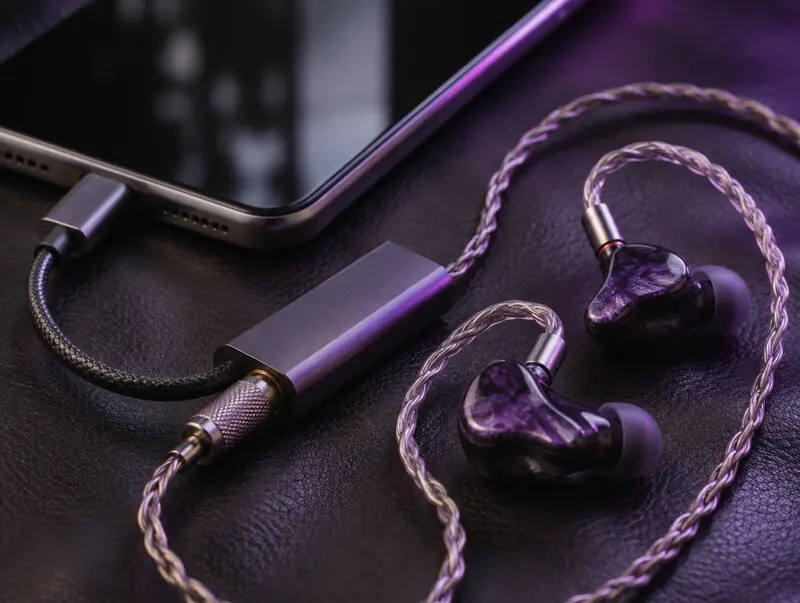
Portable Hi-Fi: FLAC on Your Phone
You don’t need a desktop setup to enjoy FLAC. Android players such as Poweramp, Neutron and USB Audio Player Pro handle it natively, and many work with small USB DACs that plug straight into the phone. On iPhone, VLC and several hi-fi player apps open FLAC from the Files app.
Storage is the main trade-off. If your phone fills up quickly, keep FLAC as the master on your computer and carry smaller Opus or AAC copies for everyday listening.
Tags and Album Art in FLAC Files
FLAC uses a flexible tagging system, so you can store the title, artist, album, track number and even lyrics inside the file. Mp3tag, MusicBrainz Picard and foobar2000 all edit FLAC tags, and most players read them without fuss.
Artwork can be embedded too. An image around 600 to 1000 pixels square looks crisp on phones and car screens without adding much to the file size.
Converting FLAC to Other Formats Later
Keeping a FLAC master means you can create MP3, AAC or Opus copies whenever a device needs them, and each copy comes from the same lossless source. Free tools like the converter in foobar2000 or fre:ac can process a whole folder at once and carry tags across automatically.
Going the other way doesn’t work. Turning an MP3 back into FLAC only makes the file bigger; it can’t restore anything the MP3 threw away.
Is FLAC From YouTube Worth the Disk Space?
It depends on what you plan to do with the files. If you’re archiving rare live sessions, collecting material that may disappear from YouTube, or building a library you’ll convert to other formats later, FLAC is a sensible master copy.
If you just want songs on your phone, the honest answer is no. A good MP3, AAC or Opus file will sound the same to most ears at a fraction of the size.
FLAC, WAV and MP3 File Sizes Compared
FLAC typically shrinks CD-quality audio to around half of its WAV size. Exact numbers vary with the music, since dense rock compresses less than a quiet piano piece, but these figures are a realistic guide.
| Format | 4-minute song | 1-hour album or mix | Quality |
|---|---|---|---|
| WAV, 44.1 kHz, 16-bit | about 42 MB | about 635 MB | Lossless, uncompressed |
| FLAC | about 21 to 27 MB | about 320 to 400 MB | Lossless, compressed |
| MP3 at 320 kbps | about 9.6 MB | about 144 MB | Lossy |
| Opus at 128 kbps | about 3.8 MB | about 58 MB | Lossy, very efficient |
Saving FLAC on iPhone and Android
On iPhone, convert in Safari and tap Download when the button is ready. The FLAC lands in the Files app under Downloads, where you can play it directly or open it in VLC. On Android, Chrome saves it to your Downloads folder, and most music players pick it up from there.
If the browser starts playing the file instead of saving it, go back, long-press the download button and choose the download option, or use the share menu to save it to Files. FLAC files are larger than MP3s, so a stable Wi-Fi connection helps with long recordings.
FLAC Compared With Other Formats
FLAC and WAV hold identical audio; WAV is a little more convenient inside editing software, while FLAC is smaller and better at storing tags. For portable listening, lossy formats such as M4A are lighter.
Respect creators: Only convert videos you own, have permission to use, or that are licensed for reuse, such as Creative Commons. Don’t redistribute or publish copyrighted content without the rights holder’s permission.
YouTube to FLAC FAQ
Will this FLAC pass a lossless authenticity check?
No. Spectrum checks reveal the lossy YouTube source, because the FLAC preserves it exactly. The file is honestly lossless relative to YouTube, not to a CD.
How big is FLAC compared with WAV and MP3?
FLAC is usually around 50 to 60 percent of the equivalent WAV, and roughly two to five times larger than an MP3 of the same track.
Can I add FLAC files to Apple Music?
Not directly. The Music app doesn’t import FLAC. Convert to ALAC, Apple’s lossless format, with a tool like XLD, or play FLAC in VLC instead.
Can I convert the FLAC to MP3 later?
Yes, and that is one of the best reasons to keep FLAC. Each later conversion starts from the same lossless copy, so you never stack losses from file to file.
Does the FLAC compression level affect sound?
No. Higher compression levels only make files slightly smaller and slower to encode. Every level decodes to exactly the same audio.
Can I play FLAC files in my car?
Many newer car stereos read FLAC from a USB stick, but plenty of older units don’t. Check the supported formats in the manual, and use MP3 for the car if FLAC files are skipped.
Does a FLAC copy sound better than streaming on YouTube?
It sounds the same, because it’s a lossless copy of the same stream. The benefit is an offline file you own that won’t degrade when you copy or convert it later.
Will FLAC files work in Plex or Jellyfin?
Yes. Both media servers index FLAC natively, read its tags and stream it to apps on phones, TVs and browsers, transcoding automatically for devices that can’t play FLAC directly.
Is it legal to archive YouTube audio as FLAC?
Archiving your own uploads, public-domain recordings or Creative Commons music is generally fine. For other music, YouTube’s terms and copyright law usually require the owner’s permission, even for a private archive, so check before saving it.